Not sure how everyone's week went?
Goal setting software for small teams. Lifetick gathers a short check-in from each person every Friday, keeps their goals in one place and gives your one-on-ones a memory. You read it all in five minutes.
Free for two weeks. No card needed.
Five things that slip in a busy small team.
None of them shows up on a profit and loss statement. All of them cost you. Here's what each one looks like, and the part of Lifetick that fixes it.
- 01
Not sure how everyone's week went?
You find out on Monday, or when a customer tells you.
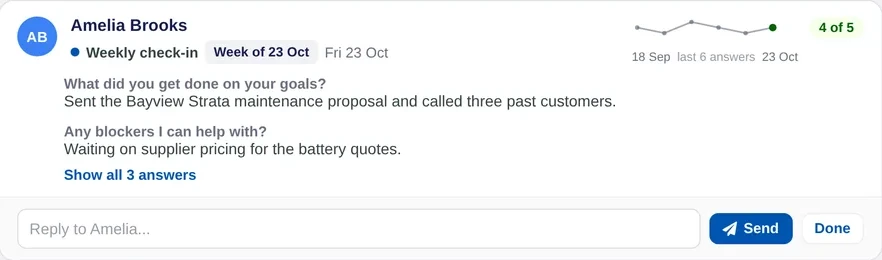
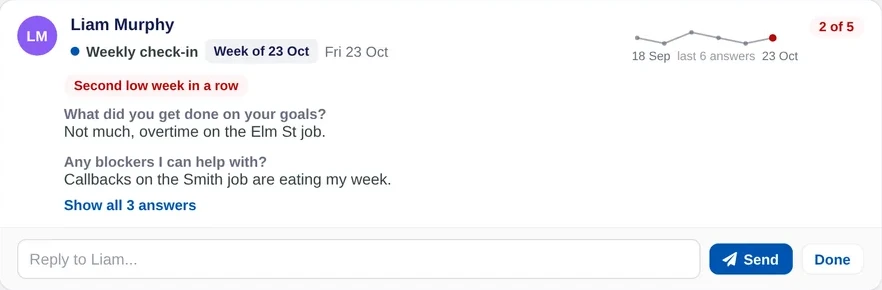
Weekly check-insA few questions every Friday, answered on their phone in two minutes. A second low week in a row is flagged for you.
See how it works - 02
Goals set in January, forgotten by March?
Everyone is busy, but nobody is sure it's the right busy.
Team goalsEach person writes their own goals with tasks and dates. Five plain questions make every one SMART.
See how it works - 03
One-on-ones that start from scratch?
The same issues come up, and last month's follow-ups never happened.
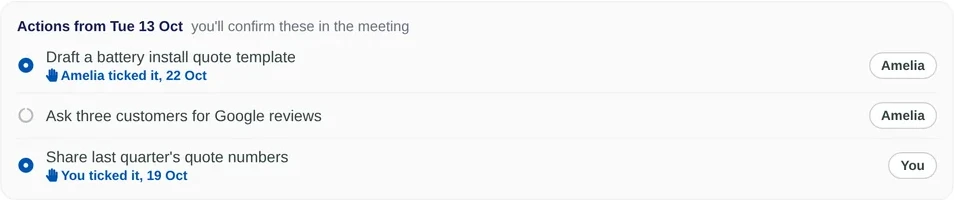
One-on-one meetingsShare the agenda before you meet, then keep notes and follow-ups where you'll find them next time.
See how it works - 04
Values on the wall, not in the work?
New people never learn what the business stands for.
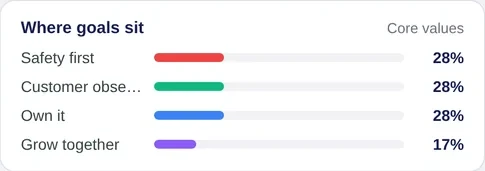
Core valuesEvery goal is tied to one of your values, so you can see where the team's effort really goes.
See how it works - 05
Can't tell who's flying and who's stuck?
The quiet ones slip until it becomes a harder conversation.
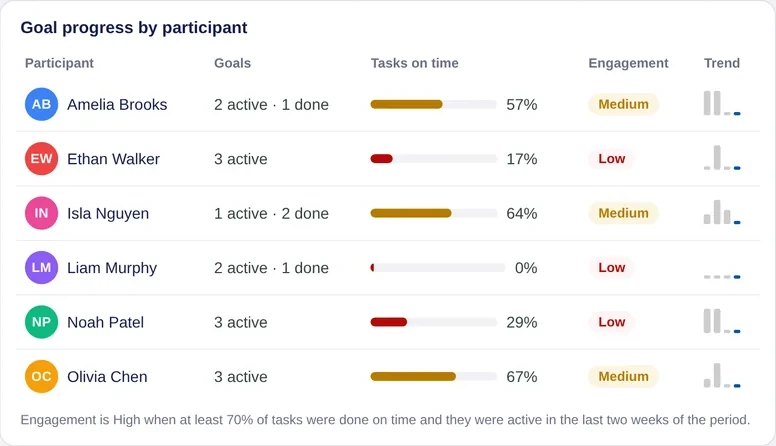
Team reportsGoals, tasks done on time and check-ins across the team, by person or group. Download it as a PDF.
See how it works
Make it yours in an afternoon
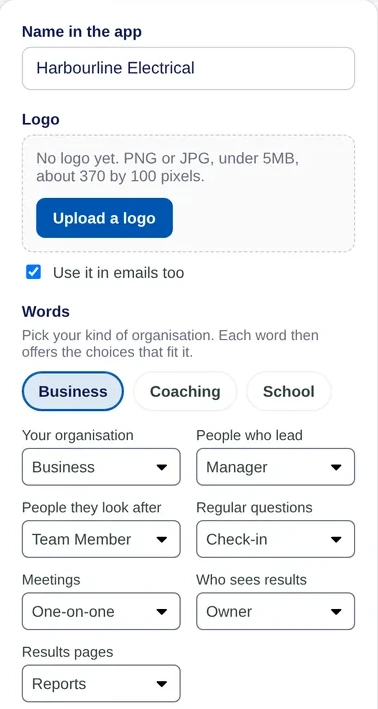
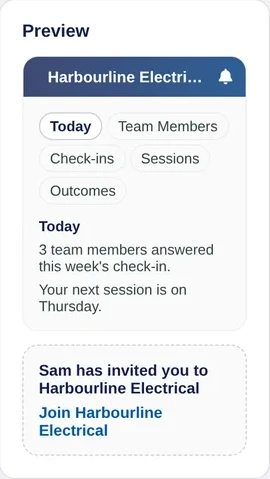
Add your logo and your core values, pick the words your team uses, and invite everyone with one link.
- Your brand in the app and emails
- Core values that goals are tied to
- Words like Manager and Team member, or your own
Team goals everyone writes
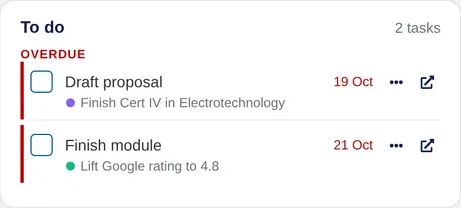
Each person sets their own goals and ties them to one of your values. Five plain questions make every goal a SMART one, without the jargon. More on team goal tracking, or start from 20 team goal examples.
- Goals broken into tasks with dates
- Effort shown against your core values
- Each person chooses what stays private

Weekly check-ins on a schedule
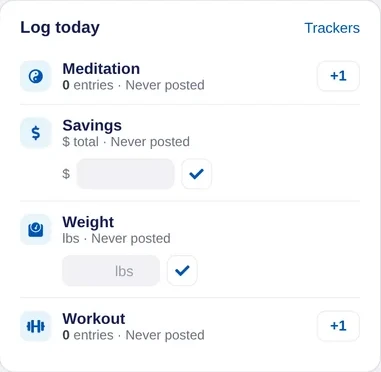
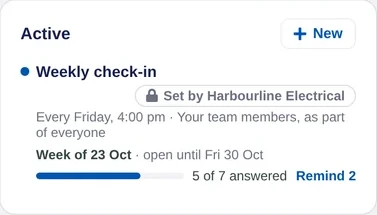
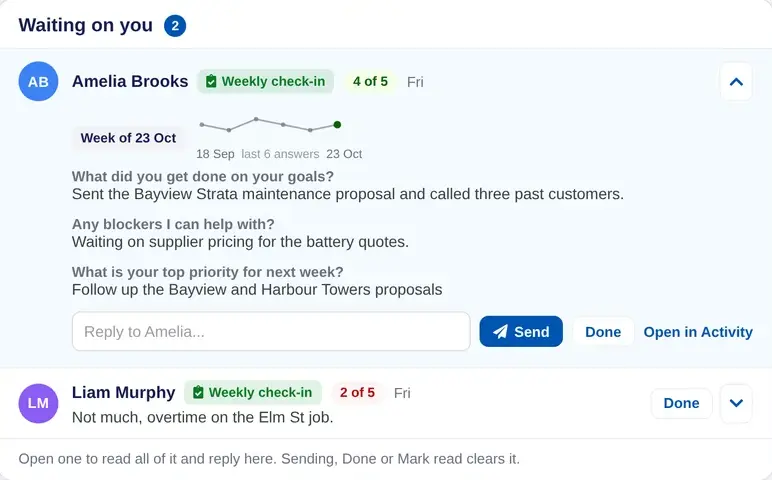
Pick a few questions and how often to ask them. People answer on their phone in two minutes, and you see who needs a reply. More on employee check-ins.
- Weekly, fortnightly or monthly
- Scale and short answer questions
- Answers waiting on you, sorted to the top
One-on-one meetings that keep their notes
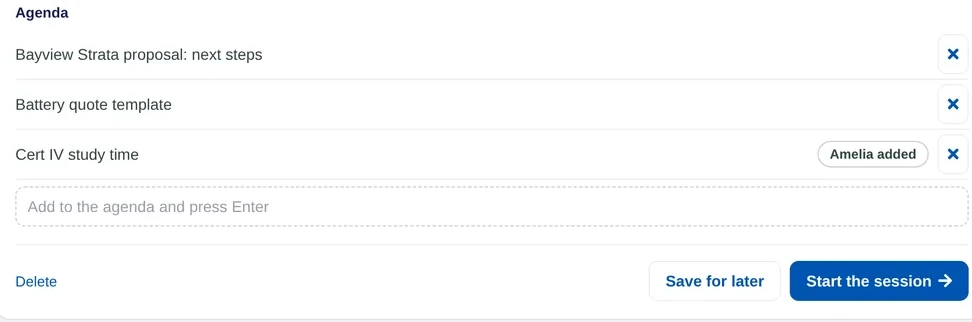
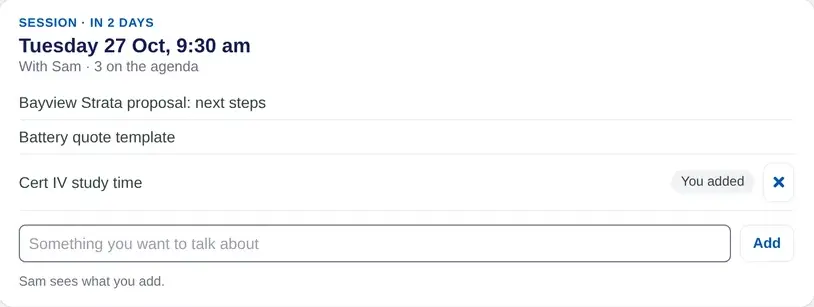
Plan the agenda together before you meet, then keep notes and follow-ups where you will find them next time. More on one-on-one meetings.
- Agenda shared before the meeting
- Notes and follow-ups in one place
- Goals and recent check-ins beside you
Team reports: see how everyone is going
Reports show goals, tasks and check-ins across the team, so you can spot who is flying and who is stuck.
- Team results by person or group
- Tasks done on time and goals completed
- Download a report as a PDF

Everyone's week, on one page.
Who has answered, who needs a reply and how goals are moving, without asking around.
One-on-ones with the notes kept.
Share the agenda before you meet and keep notes and follow-ups in one place.
Two minutes on a Friday.
Their goals, their check-in and the next one-on-one's agenda, on the web or iPhone.
See your own week in Lifetick.
Invite your team with one link and send your first check-in this week. Free for two weeks, no card needed.
