Hear how everyone’s week went, in two minutes each.
Employee check-in software for small teams. A few short questions every Friday, answered on a phone and gathered in one place you can read before you leave.
Free for two weeks. No card needed.
Everything in check-ins.
Part of the Team plan, with check-ins, one-on-ones and team goals together. Free for two weeks, then $4 a person each month.
Weekly, fortnightly or monthly
Pick the rhythm for each check-in and the time it goes out.
Start from a template
Starter check-ins for each rhythm, or begin from blank.
Scale and short answers
Out-of-5 questions to spot a low week, short answers for the detail.
Different questions for each group
Send each team or group the questions that fit their work.
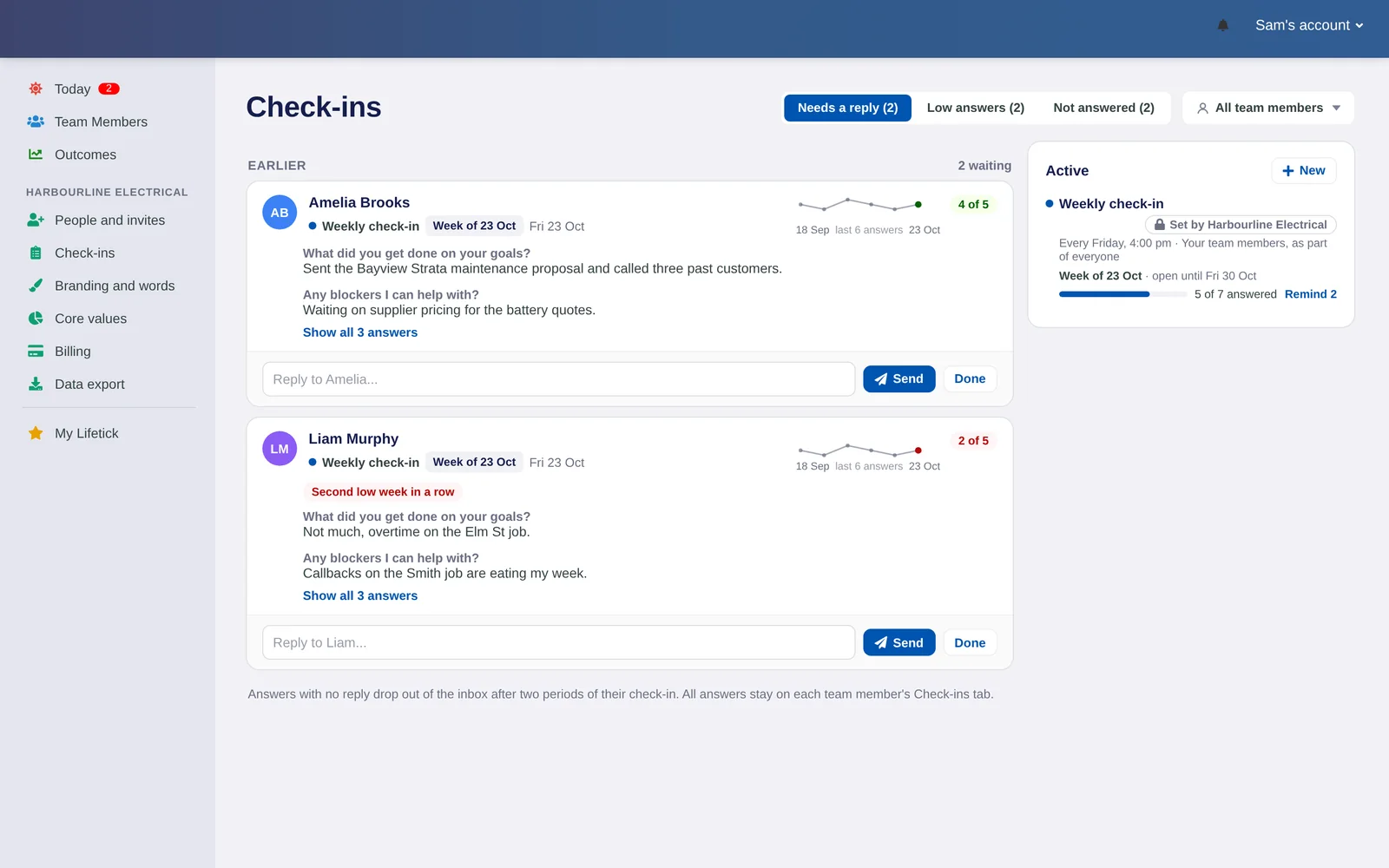
Reply in the app
Answer right under what they wrote, with no email thread.
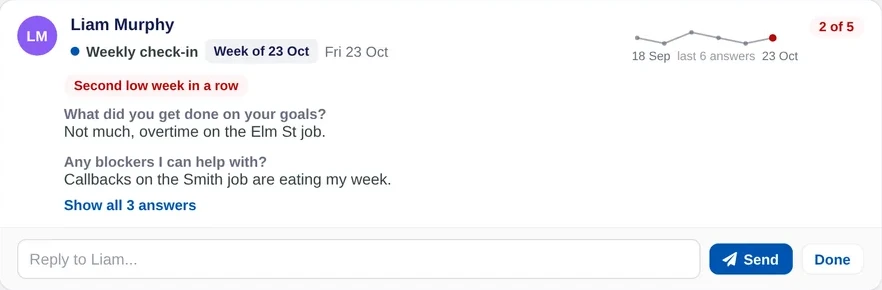
Low weeks flagged
A second low week in a row is marked so it doesn’t slip by.
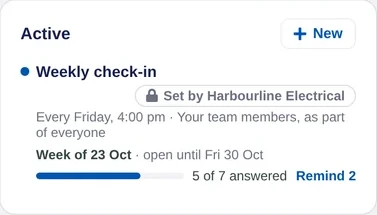
See who hasn’t answered
Know who is still to answer and send a reminder.
On iPhone or the web
People answer in the Lifetick app or any browser.
Past answers kept
Every answer stays on the person’s page, ready for the next one-on-one.
Pick the questions and the rhythm
Start from a weekly check-in or write your own. Choose who gets it and when it goes out.
- Weekly, fortnightly or monthly
- Scale and short answer questions
- Different questions for each group
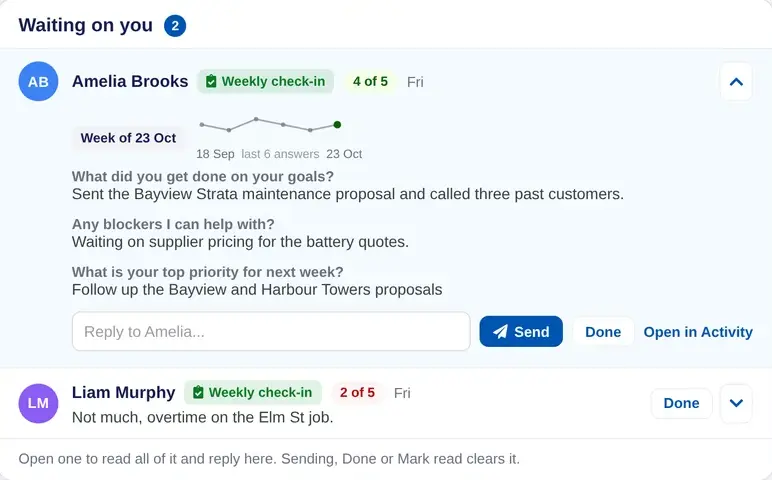
Answers that need you, first
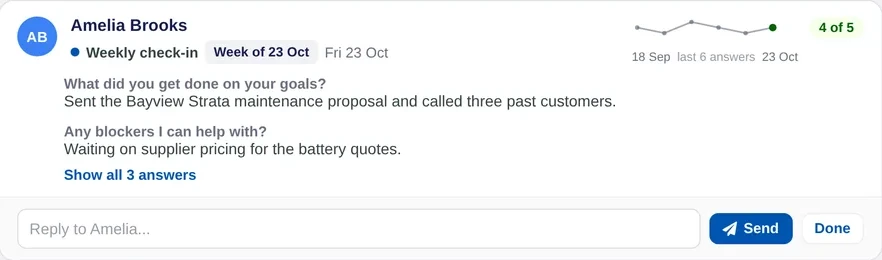
Low weeks and things in the way rise to the top, so you know who to reply to before Monday.
- Reply in the app, not in email
- A second low week in a row is flagged
- See who has not answered yet
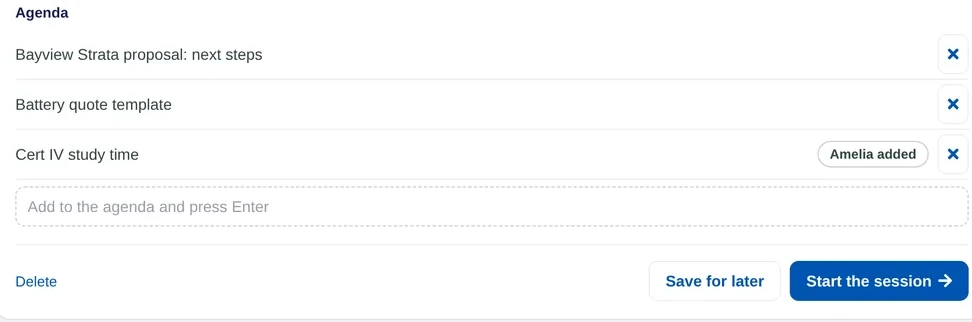
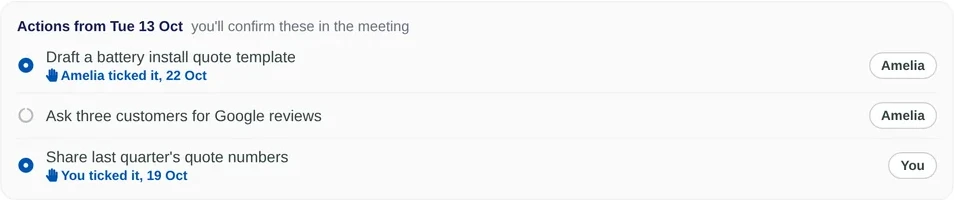
Carry it into the one-on-one
Recent answers sit beside the shared agenda, so the next one-on-one meeting starts from what people actually said.
- Agenda shared before you meet
- Notes and follow-ups kept
- Goals beside the answers
The five questions we would start with.
Use these as they are, or change them in Lifetick in a minute. Twelve more check-in questions.
- 1How did your week go, out of 5?Scale: spot a low week before it becomes a month
- 2What went well?Short answer: something to thank them for
- 3What got in the way?Short answer: the one you reply to first
- 4What is your focus next week?Short answer: ties the week back to their goals
- 5Anything for our next one-on-one?Short answer: a note to raise when you next meet

Common questions
A few short questions each person answers on a schedule, usually weekly: how the week went, what got in the way and what comes next. It takes two minutes and gives a manager a reason to reply.
Weekly suits most small teams. Fortnightly or monthly works for steadier work, and each group can have its own rhythm.
Yes. Answer on the iPhone app or the web, with the same account.
No. There are no ratings. Check-ins are a quick weekly habit that leads to better one-on-ones.
Free for two weeks with no card, then $4 a person each month.
Send your first check-in this week.
Pick a few questions, invite your team with one link and read the answers on Friday. Free for two weeks, no card needed.
