Small when you need a moment. Big when you need a plan.
Lifetick changes with your iPhone Duo. Folded, tick off today. Open it, and your week, your goals and your journal spread out side by side.
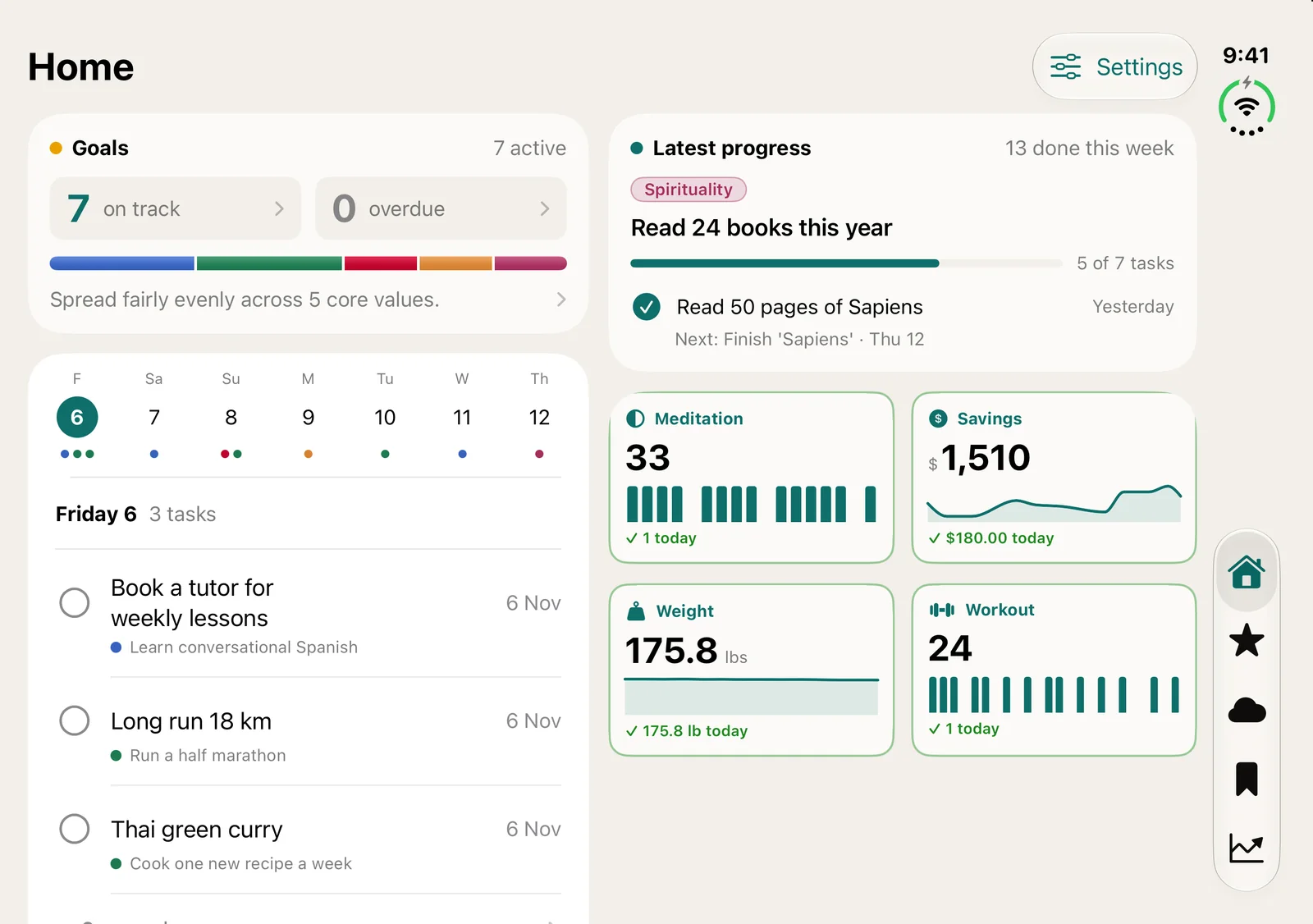
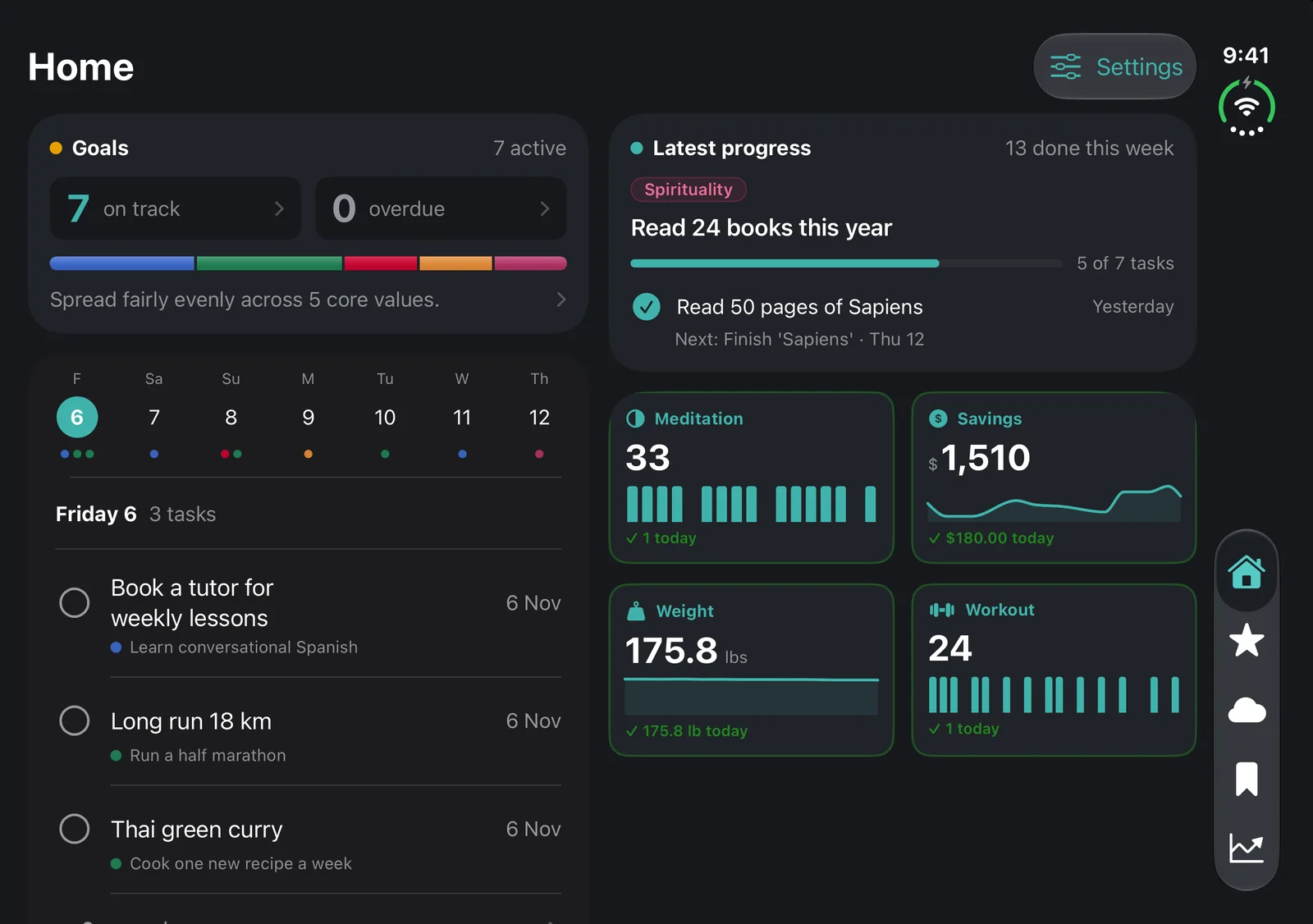
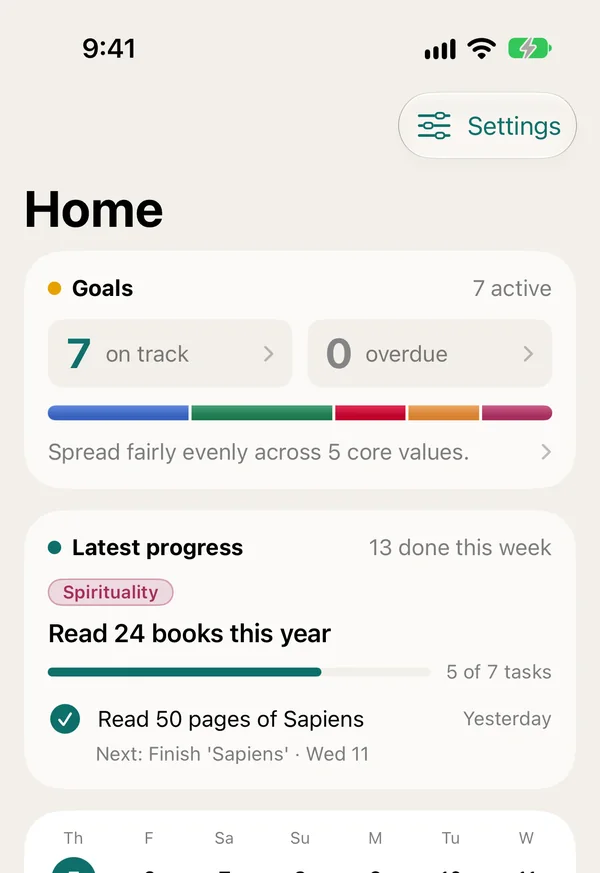
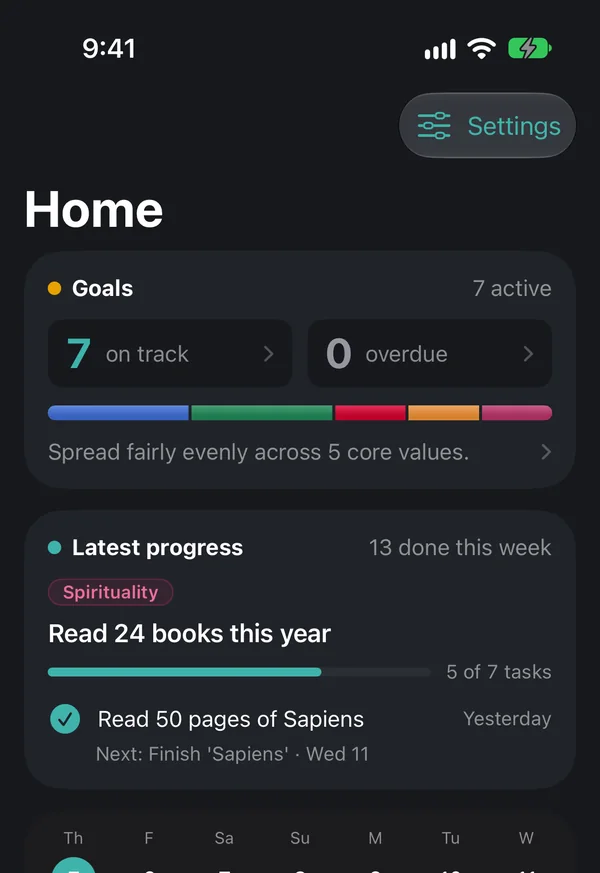
Try it: fold and unfold the phone above.
What you see when it’s open.
Home, unfolded
- 1This weekEvery day’s tasks, with today first.
- 2Goals and progressOn track, overdue and the last thing you finished.
- 3TrackersMeditation, savings, weight and workouts at a glance.
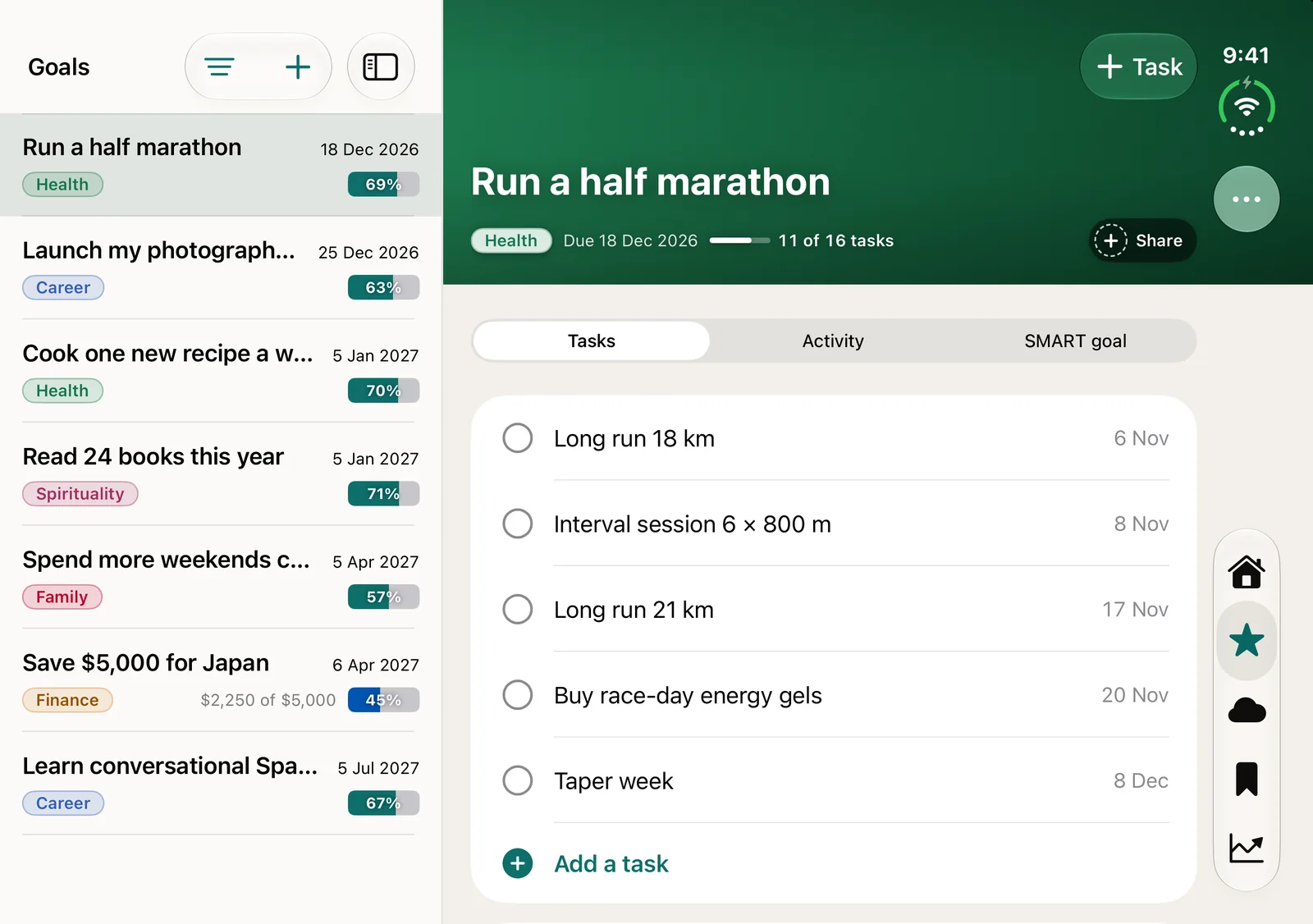
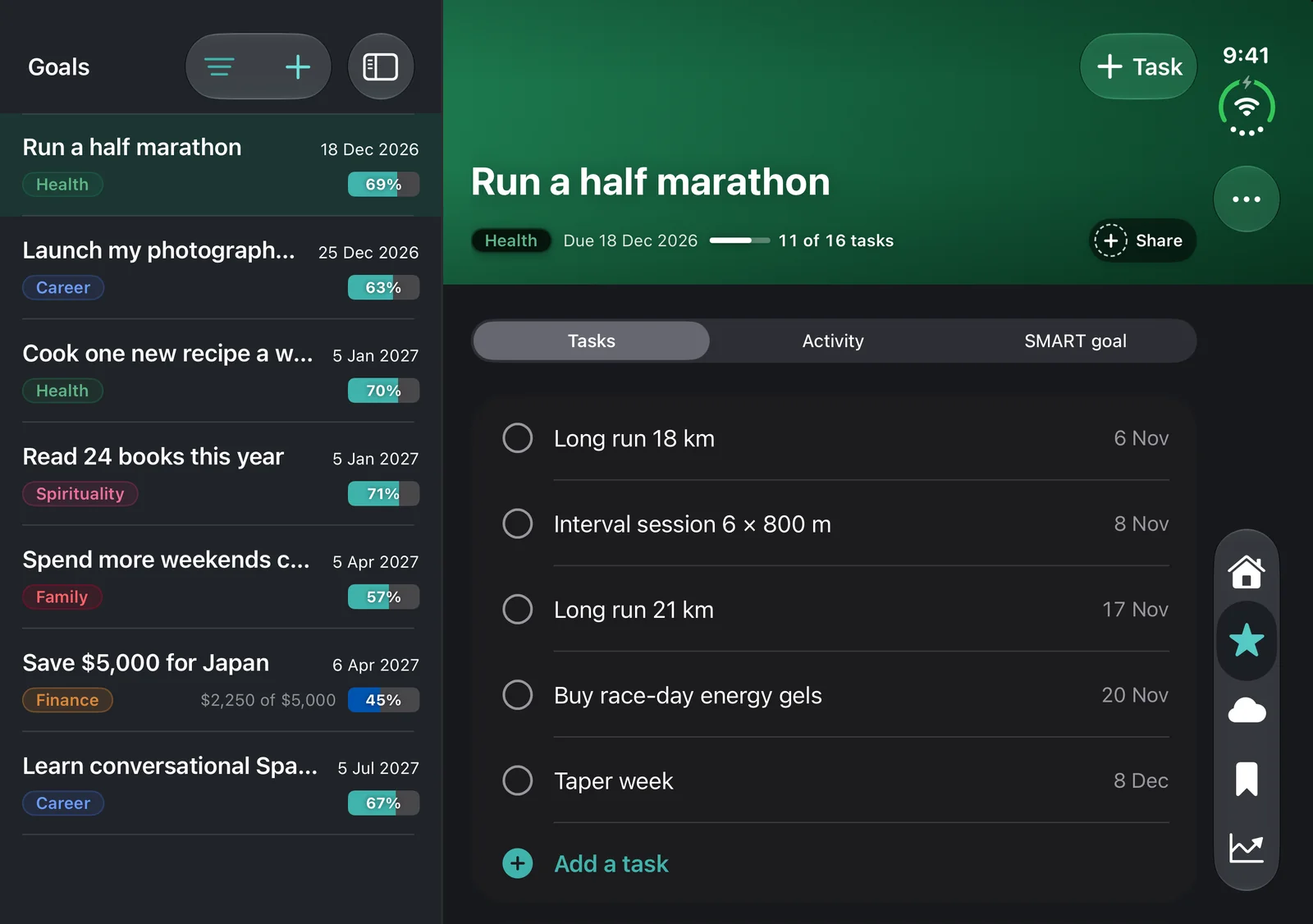
Goals, unfolded
- 1Your list stays putAll your goals down the left, with their progress.
- 2The goal opens beside itTasks, activity and the SMART goal, without going back and forth.
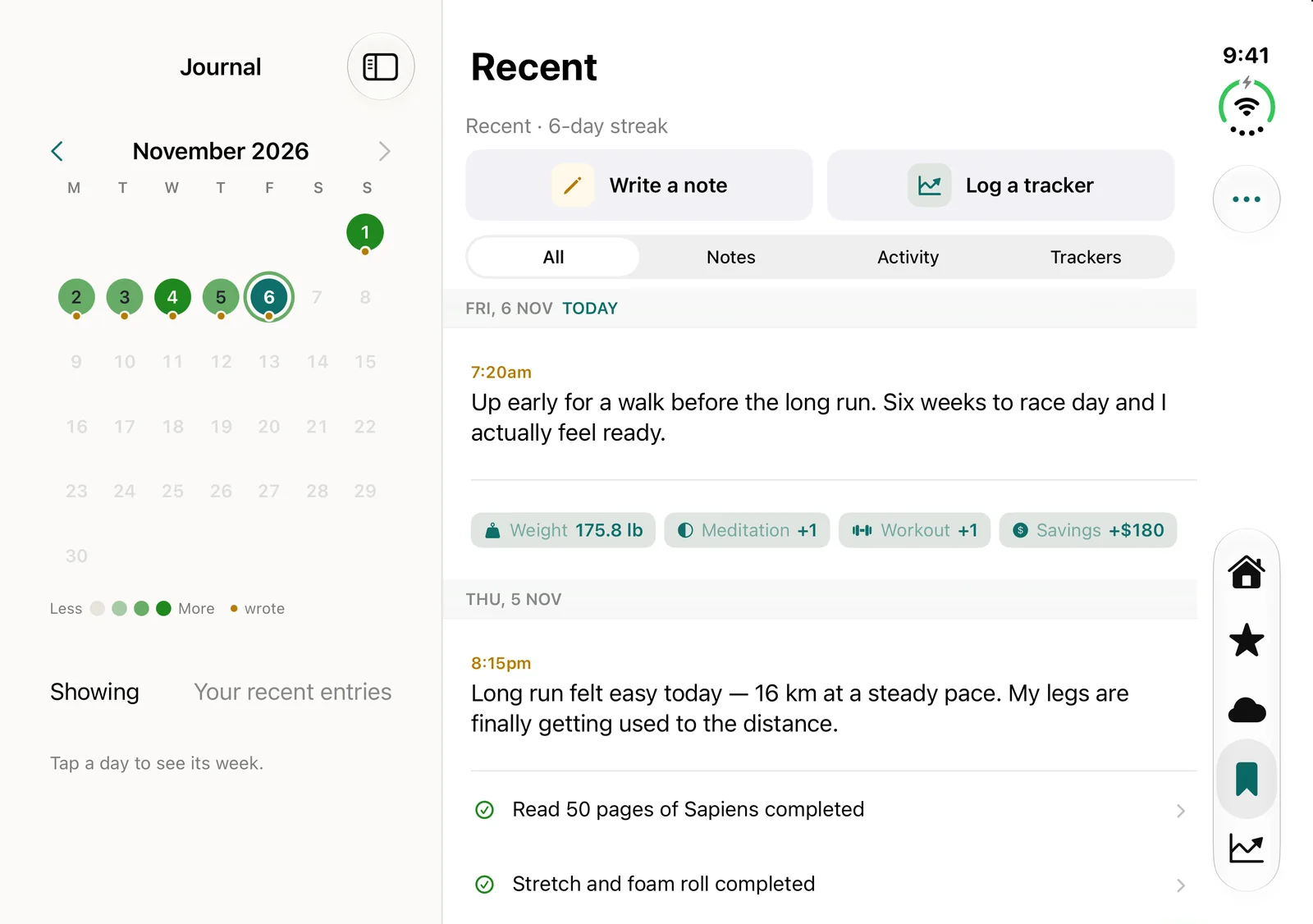
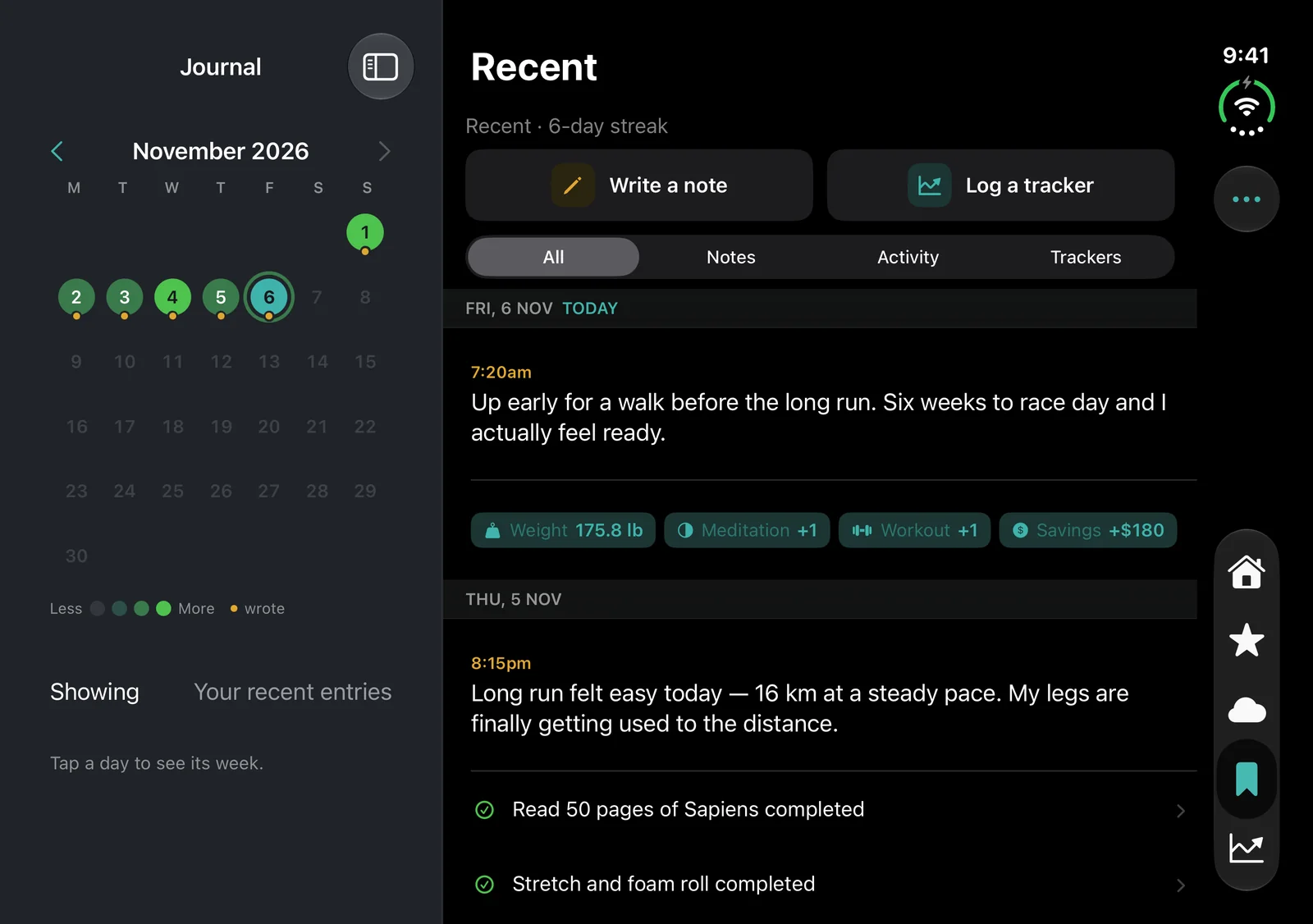
Journal, unfolded
- 1The monthDarker days are the ones you got more done.
- 2Your entriesNotes, ticked tasks and tracker logs, newest first.
The fold costs nothing extra.
Both screens work on every plan, Free included. Upgrade when you want more than two goals.
Free
For your own goals, dreams and journal.
For as long as you like
- Two SMART goals with tasks and reminders
- Dreams, journal and reports
- iPhone, iPhone Duo, iPad and web
Premium
Everything in Free, without the limits.
Upgrade from the app any time
- Unlimited goals
- Money goals for savings or debt
- Sub tasks for bigger steps
- Trackers, charted in your reports
Common questions
No. The folded and unfolded layouts are part of the app on every plan, Free included.
Lifetick changes layout to fit the screen you are looking at: the phone layout on the outside, columns on the inside.
Yes. The same two column layouts run on iPad, and the web app shows the same goals and journal.
Yes. Your goals, dreams and journal stay private unless you choose to share a goal.
Open your phone, open your plan.
Get Lifetick free from the App Store. Five questions and your first goal is ready, folded or open.
